Hardware + Systems Project
2015 MacBook Air Upgrade and Offline Knowledge Hub
This project started as a simple laptop refresh: replace failing parts, extend the life of an older machine, and make it usable again. It then evolved into something more practical — a lightweight offline reference device for programming documentation, survival material, general knowledge, and low-resource Linux work.
Objective
Extend the life of aging hardware and turn it into something useful instead of disposable. The goal was not to force the laptop to behave like a modern workstation. It was to make it stable, responsive, and purposeful within its limits.
What changed
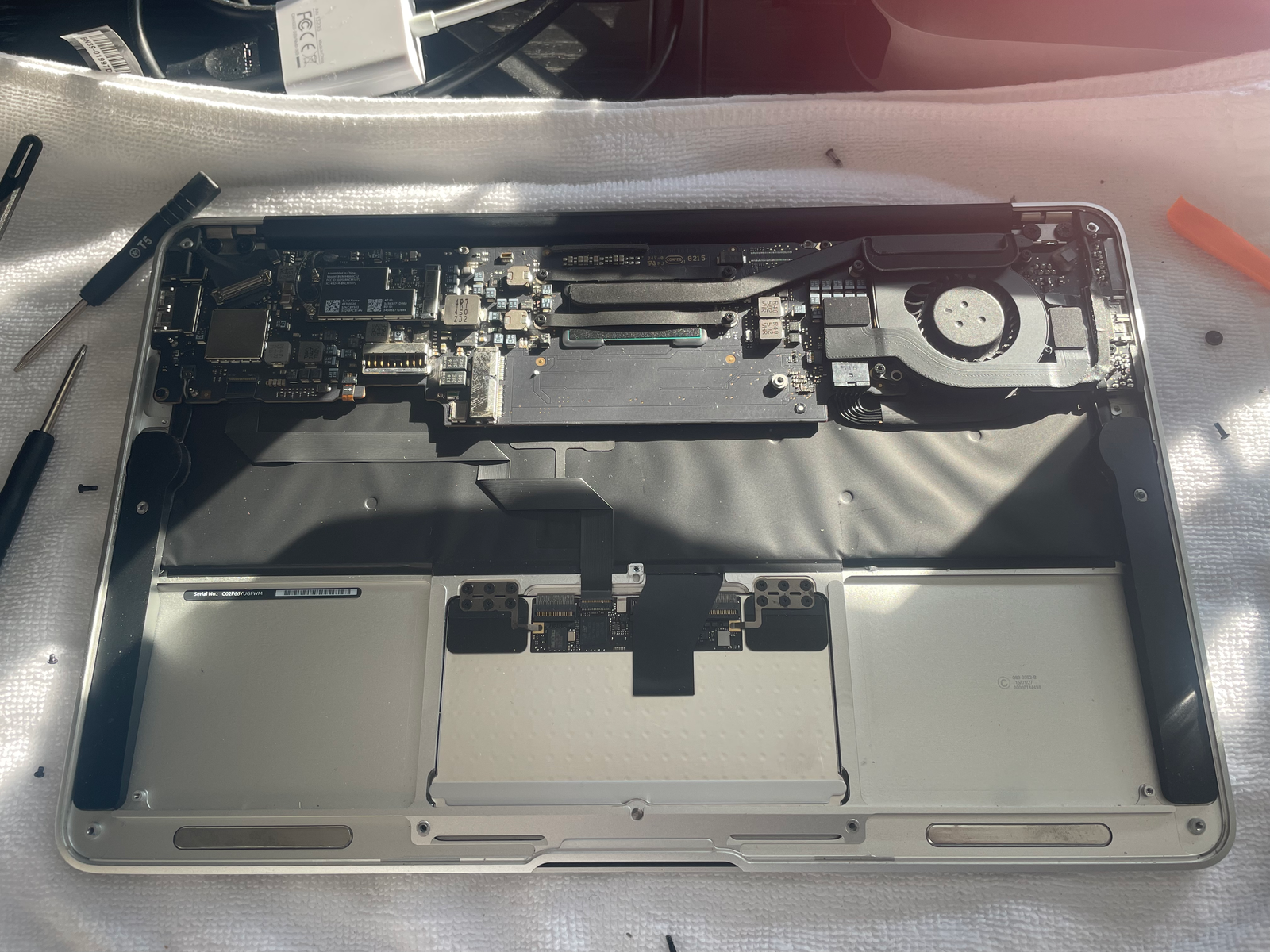
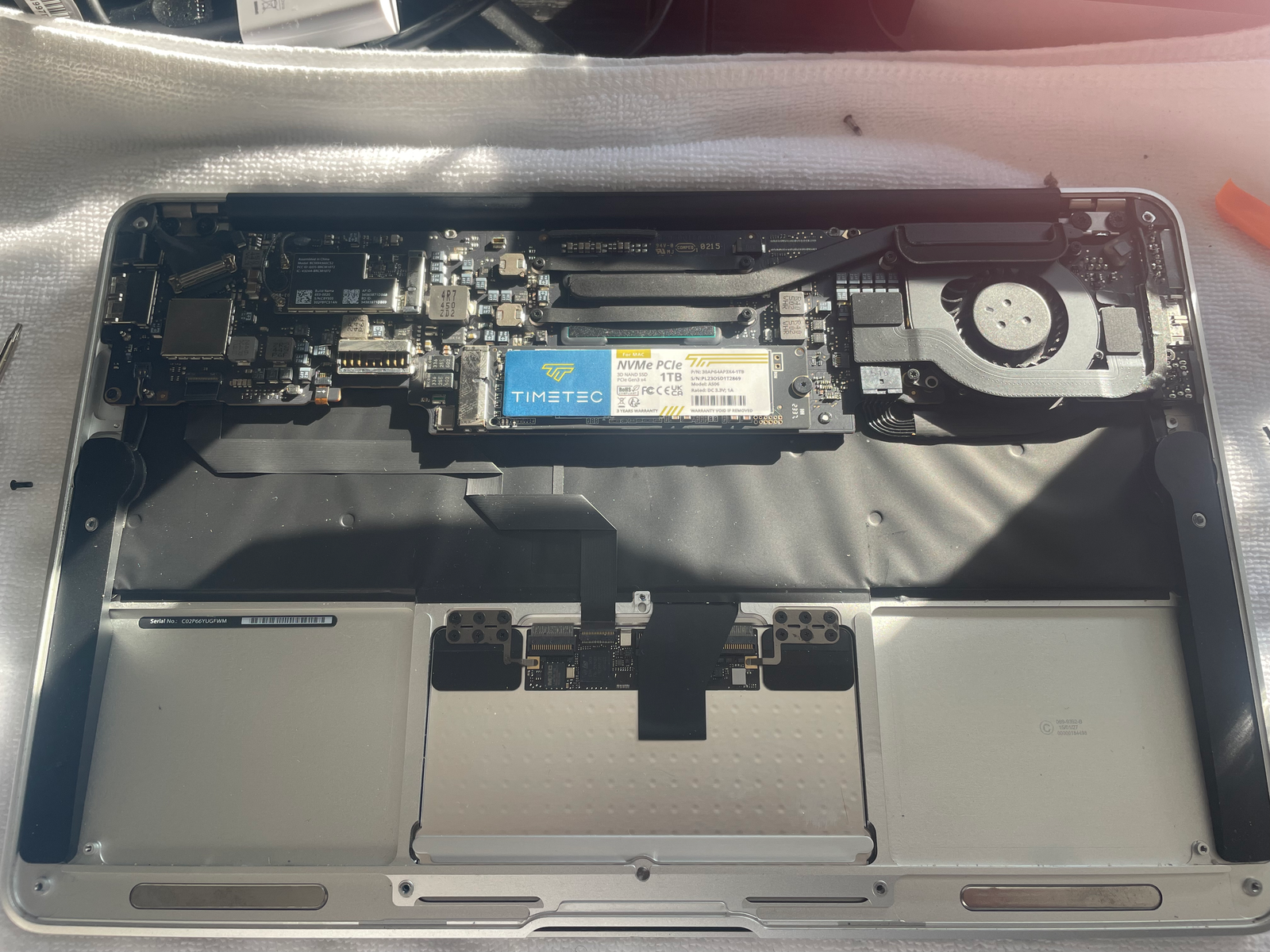
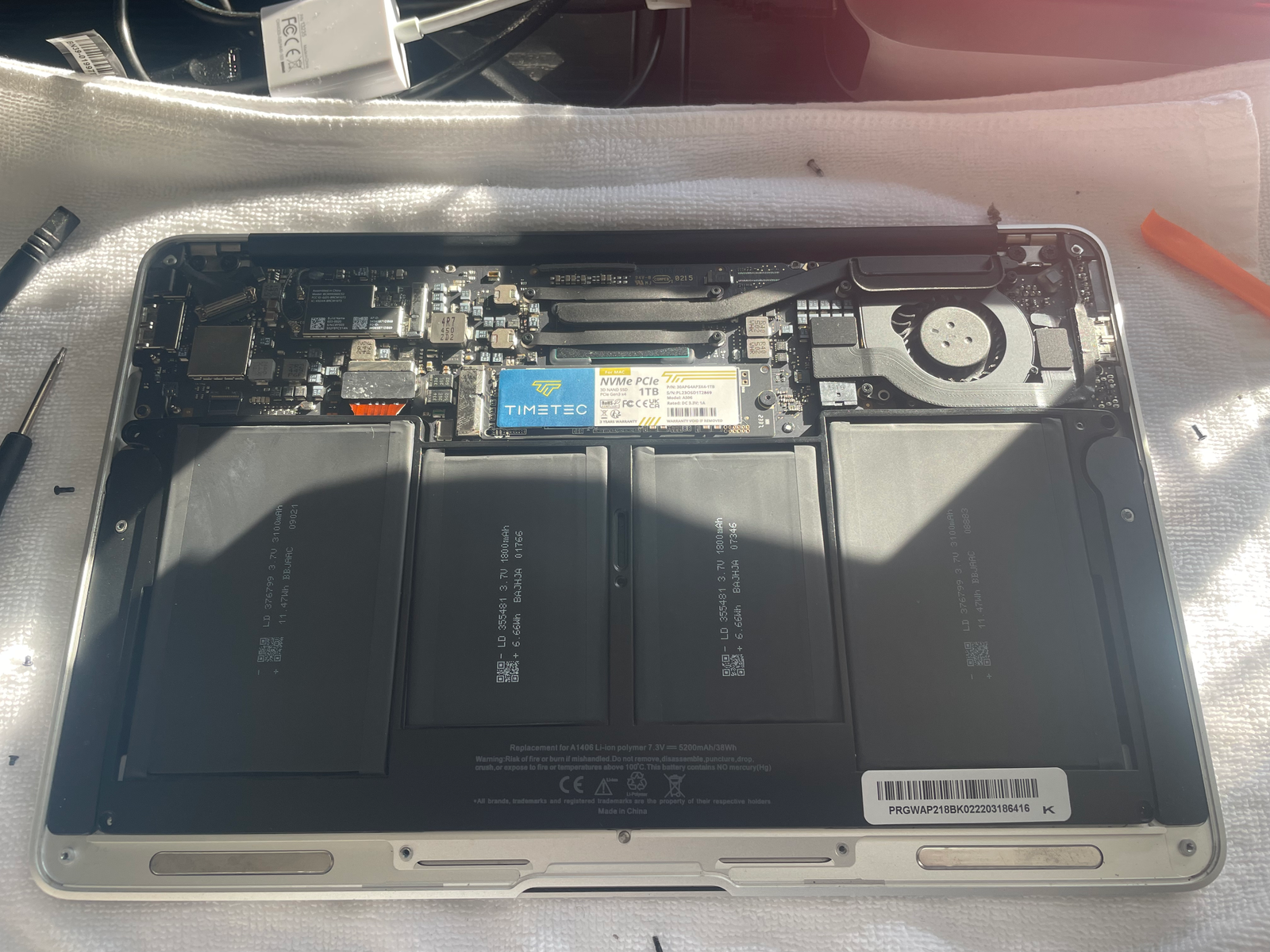
- Replaced the old SSD with a new 1TB drive.
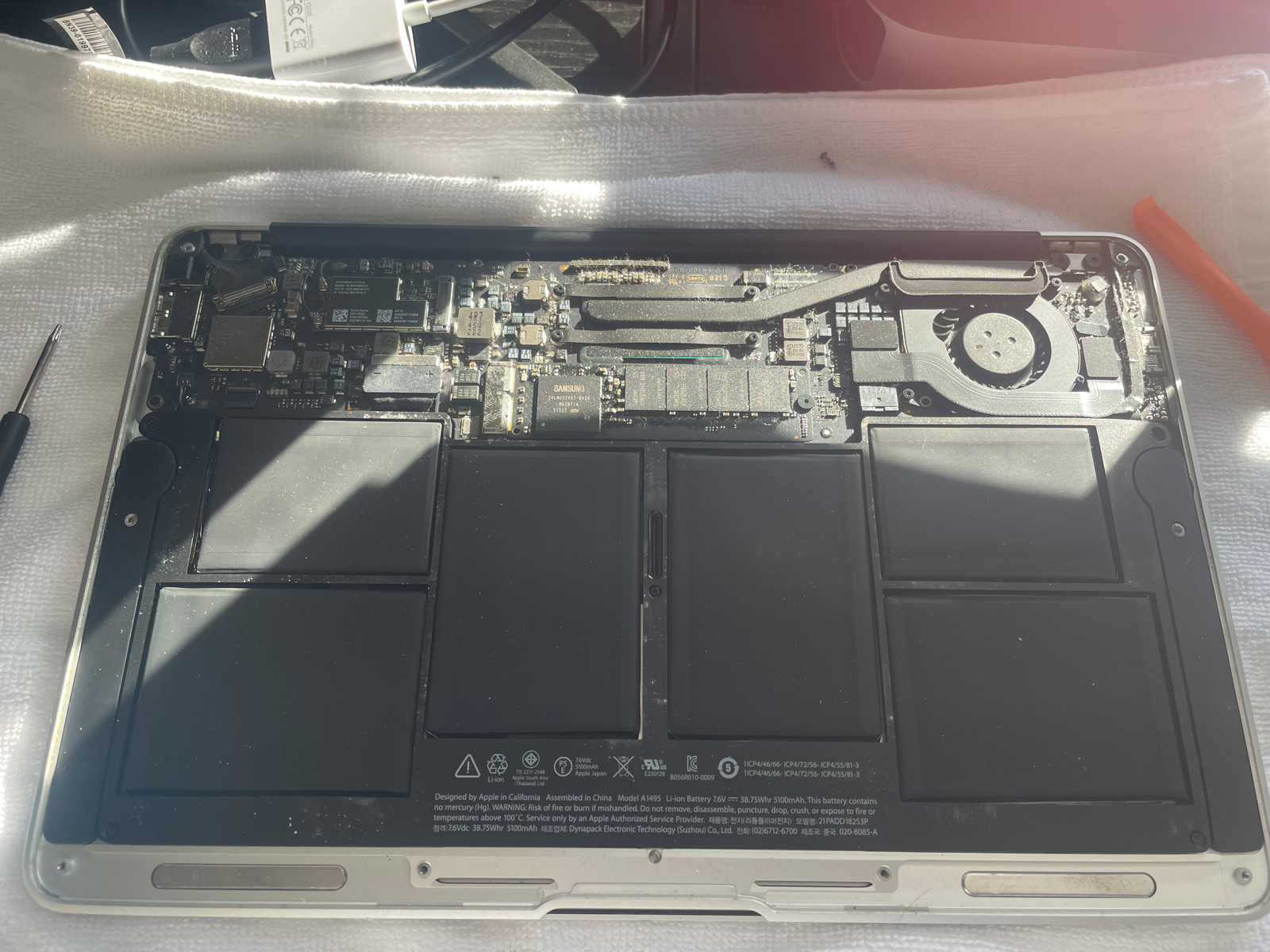
- Installed a new battery to restore portability and reliability.
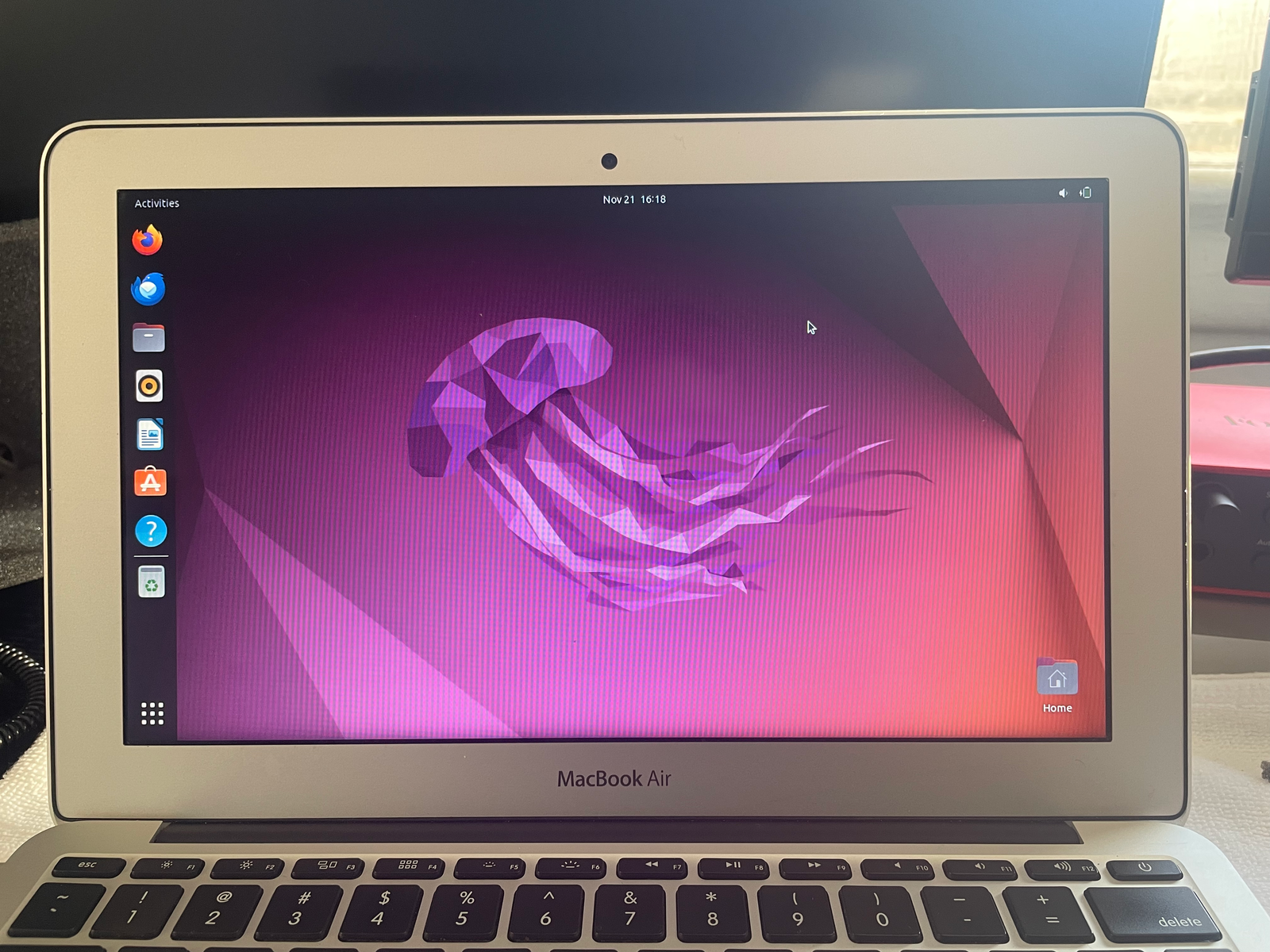
- Moved from Ubuntu to Xubuntu for a lighter desktop environment.
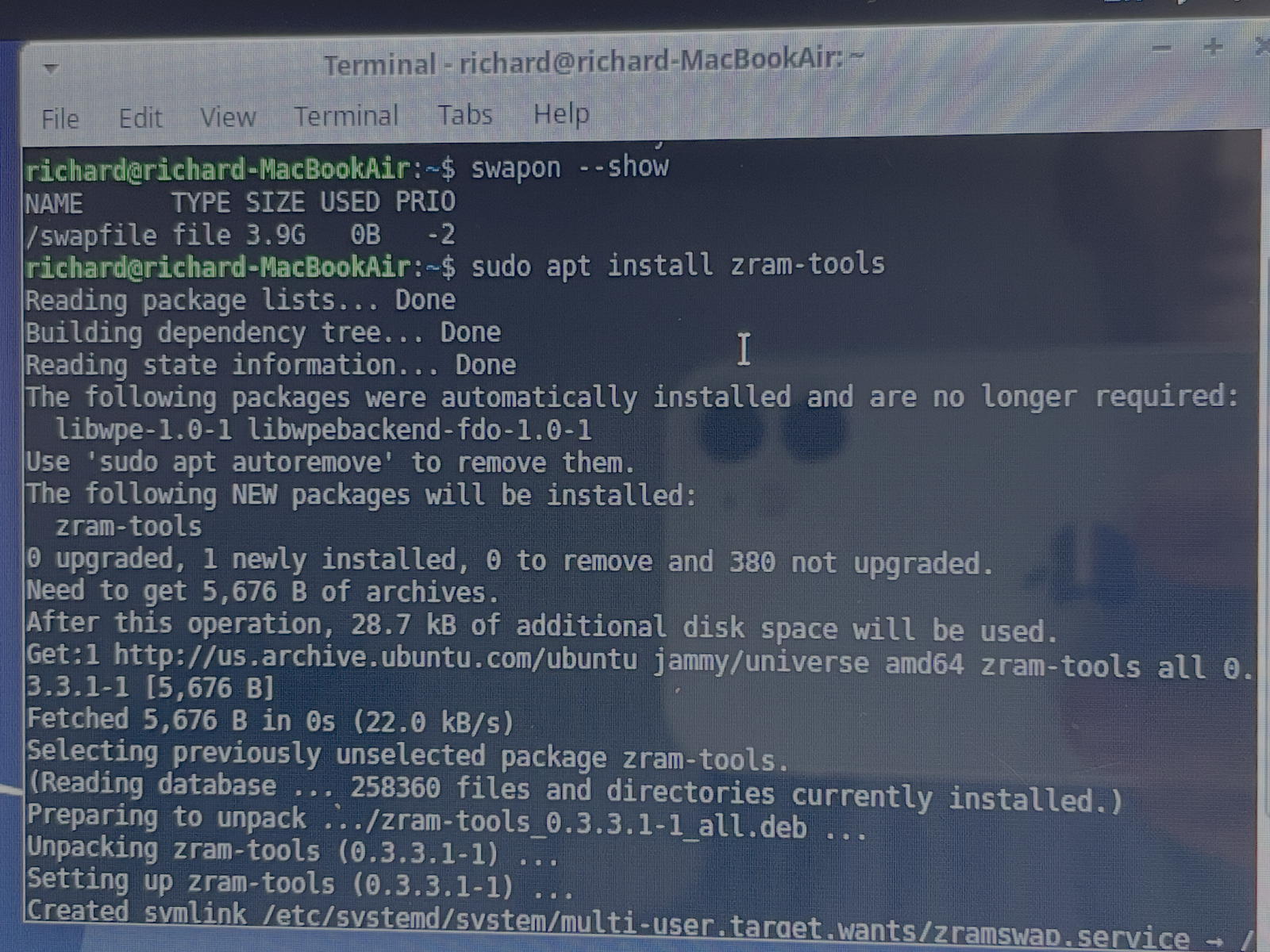
- Added swap and zRAM to make the most of the system’s limited memory.
- Installed offline tools and documentation to turn it into a self-contained knowledge device.
Why this project matters
This page shows the kind of work I like: practical upgrades, realistic technical decisions, and a clear use case. Instead of just saying I enjoy hardware and systems, this project demonstrates that I can take an older machine, improve it, and reshape it around a real purpose.
Phase 1
Hardware refresh
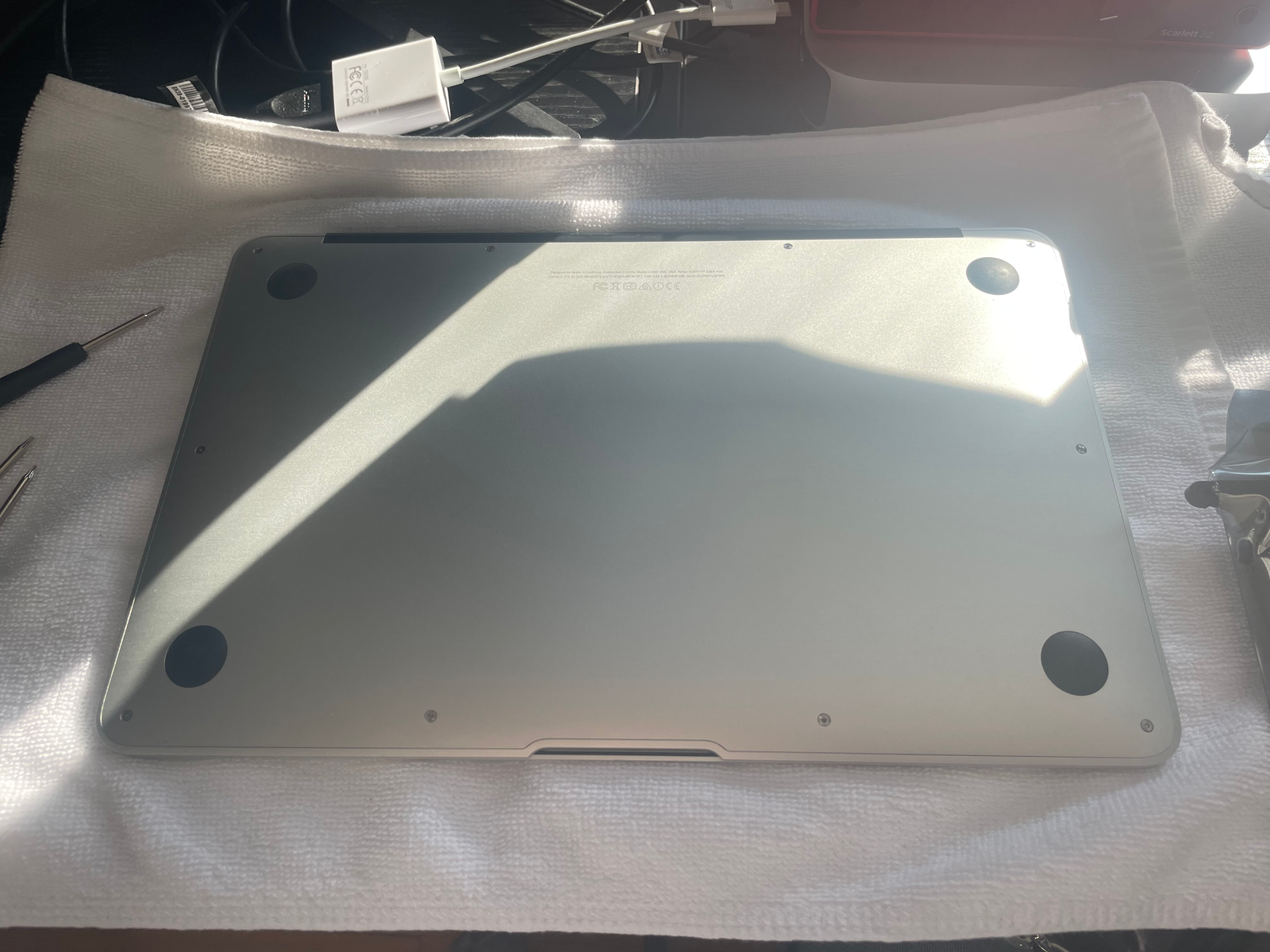
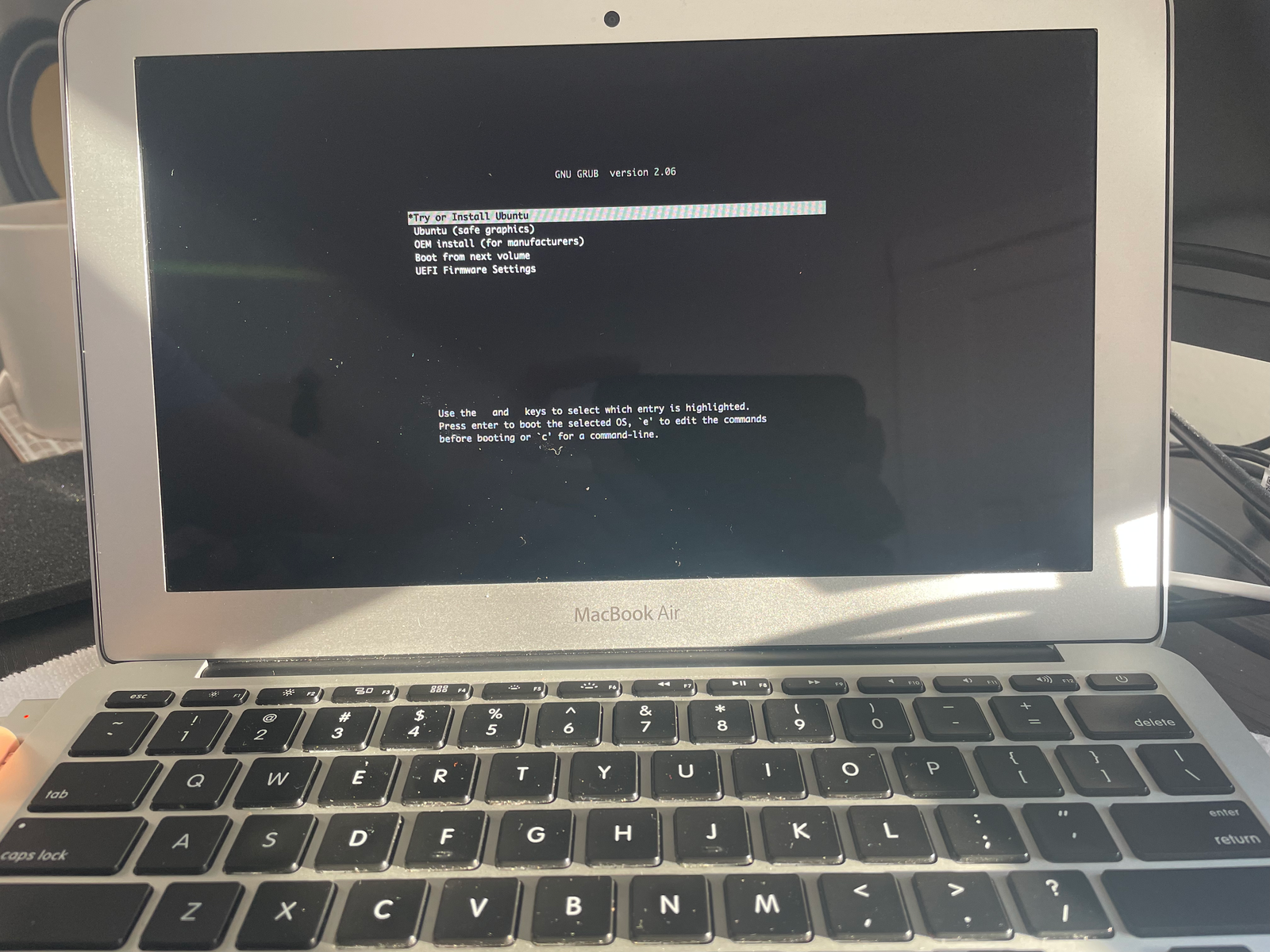
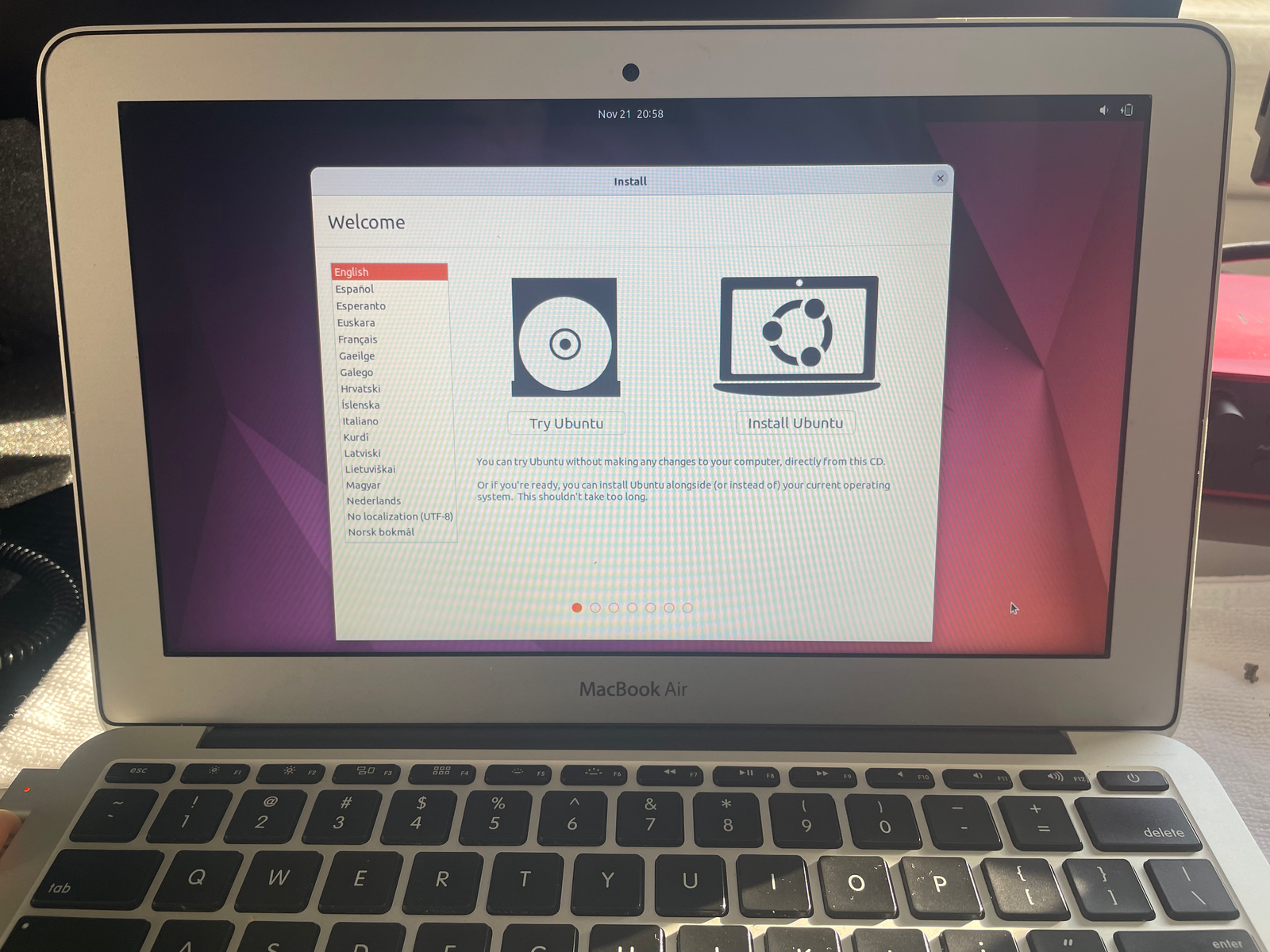
The first phase focused on bringing the laptop back into working condition by replacing the failing storage and battery, then getting the machine booted and usable again.
Phase 2: turning it into a knowledge hub
Once the laptop was stable, I shifted the focus from repair to purpose. I wanted a portable system that could still be useful even without internet access, especially for documentation, troubleshooting, and general reference.
System optimization
- Switched from Ubuntu to Xubuntu to reduce overhead and keep the desktop responsive.
- Added a 4GB swap file to reduce memory pressure.
- Enabled zRAM compression to improve multitasking on a 4GB RAM system.
- Combined lightweight software choices with memory optimization to make the machine feel more stable in real use.
Offline tools and content
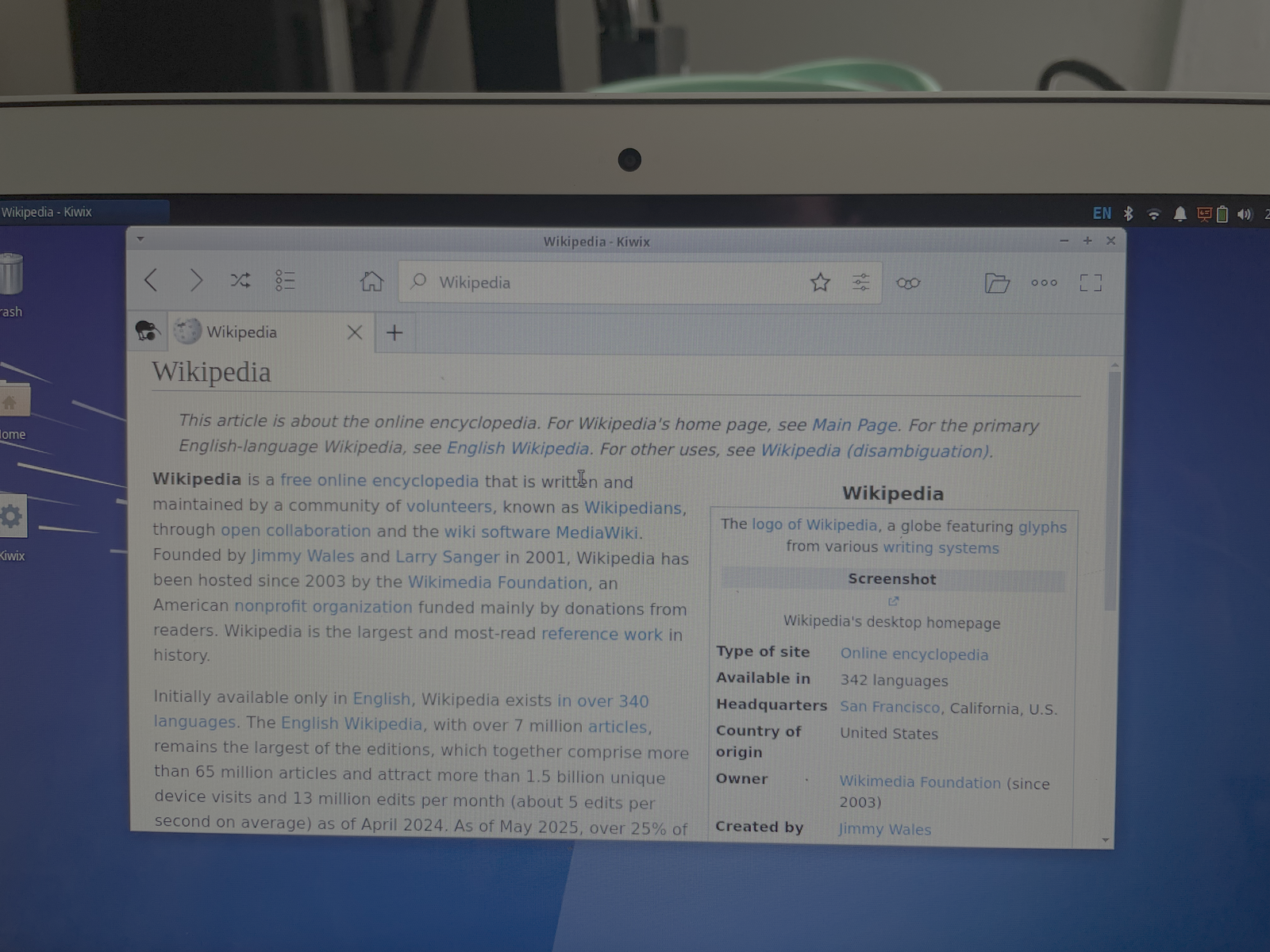
- Installed Kiwix for offline access to large reference archives.
- Downloaded Wikipedia, Wikibooks, Wiktionary, and Stack Exchange snapshots.
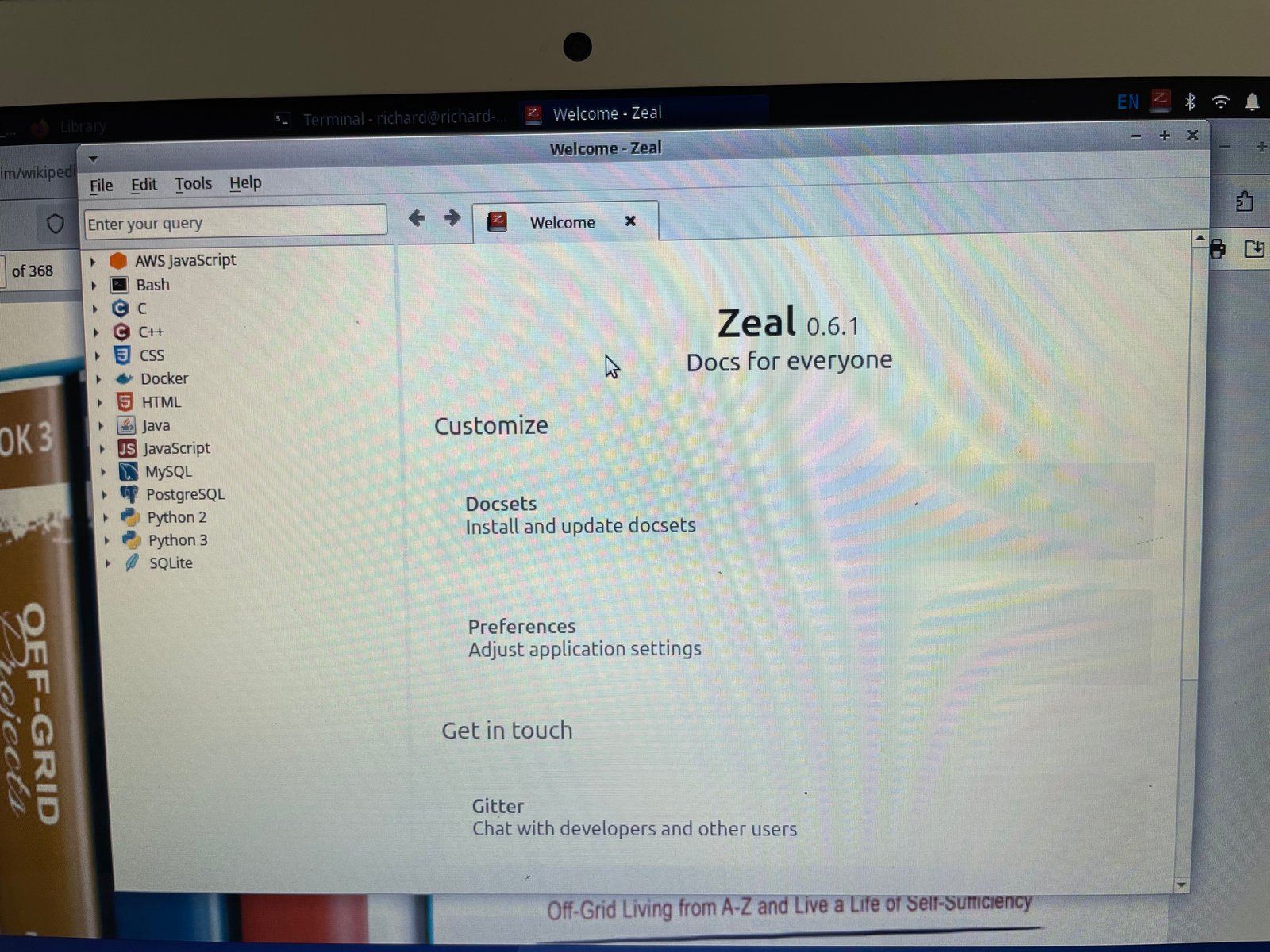
- Installed Zeal with offline documentation for Python, Bash, JavaScript, HTML/CSS, Git, and more.
- Created an organized
~/Knowledge_Hubstructure for books, PDFs, docs, and future models or tools. - Built a Bash-based search workflow for locating material inside the archive more quickly.
Result
The laptop is no longer just “an old MacBook Air running Linux.” It now serves as a focused technical reference machine: part programming library, part emergency archive, part offline study device, and part proof-of-concept for low-cost system reuse.
Phase 3
Final system snapshots
These images show the laptop in its final role as an offline-first knowledge device rather than just a repaired machine.


Takeaways
What this project demonstrates
Hardware reuse
I can assess aging hardware, replace parts, and make realistic decisions about how to extend its useful life.
Linux practicality
I can tune a low-resource Linux system around a defined purpose instead of trying to make it do everything badly.
Project thinking
I like turning simple upgrades into complete, documented systems with a clear role and a reason to exist.